Article
A migration is the moment when a store most easily loses its Google traffic. A new platform, a new domain or a new URL structure, and suddenly half the products drop out of the results. Most of these drops come from things that can be caught before launch. Below is the list I go through on every migration. Where Google gives specific guidance, I link to the source.
Before you move anything
First, list every URL that gets traffic or links today. In its guide to site moves, Google lists the sources worth collecting them from:
- sitemaps,
- the links and performance reports in Search Console,
- server logs,
- analytics,
- an export from your current platform.
Do not forget images and downloadable files. In a store, product photos can bring a lot of traffic from Google Images, and they are the first thing lost in a migration.
Add the new site to Search Console before it launches, and check that the server can handle more bot visits. Google writes that after a move it crawls the new site more heavily than usual for a while.
The redirect map
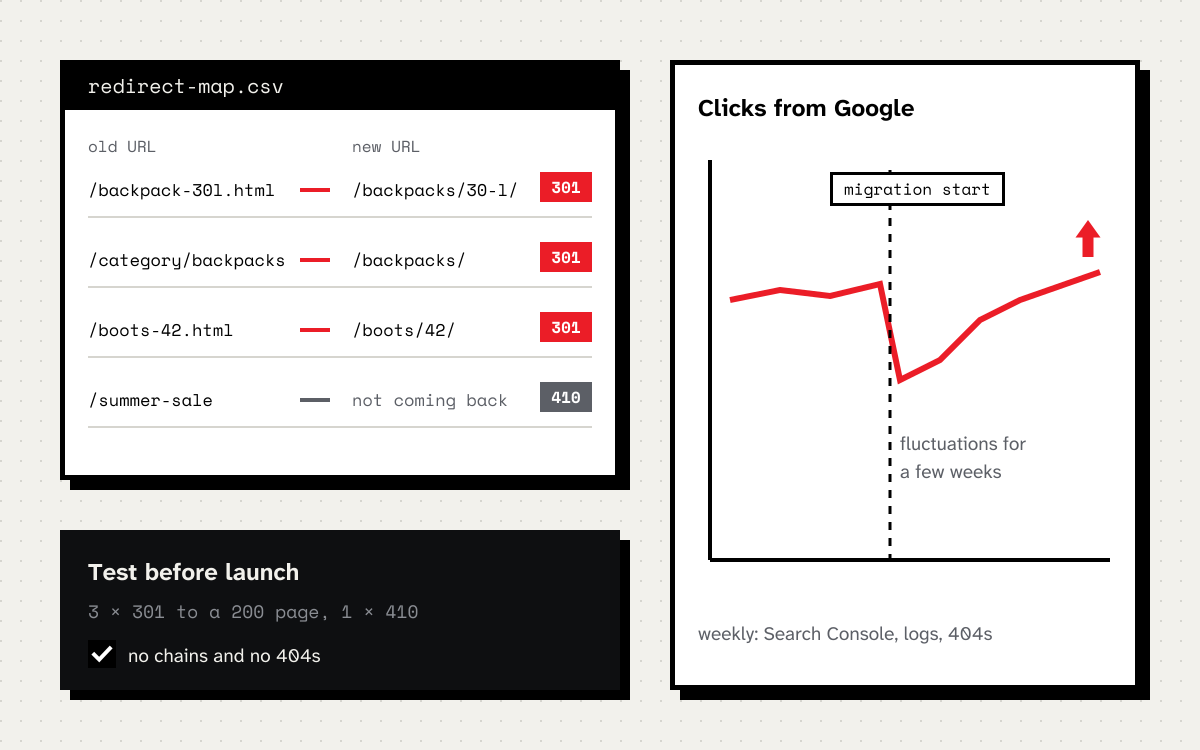
This is the most important document of the whole migration. Every old URL gets its closest equivalent in the new store:
| Old URL | New URL | Code |
|---|---|---|
/backpack-30l.html |
/backpacks/backpack-30-l/ |
301 |
/category/trekking-backpacks |
/backpacks/trekking/ |
301 |
/summer-sale-2025 |
the sale page is not coming back | 410 |
Rules worth sticking to:
- Permanent, server-side redirects. Google recommends 301 or 308. According to its documentation, only a permanent redirect tells Google that the new URL should replace the old one in results.
- Straight to the target. No chains like old URL, intermediate URL, new URL. Google writes that a chain should ideally have no more than 3 steps and certainly fewer than 5.
- Not everything to the home page. Google advises against redirecting many old URLs to an unrelated page, such as the home page. Send a discontinued product to the closest category or return a 404 or 410.
- For a long time. Keep redirects for at least a year, and preferably longer. In a store there is no reason to ever switch them off.
The new store before launch
I check the staging version as if it were already production:
- every page has a canonical pointing to itself,
- internal links, menus and navigation point straight to the new URLs, not through redirects,
- hreflang tags point to the new URLs if the store has several language versions,
- the new sitemap contains only URLs that return 200.
Then a test of the whole map: a crawler goes through the list of old URLs on the staging server and checks that each one ends in a 301 and the target returns 200. Anything that ends in a 404 or a chain I fix before launch, not after.
Launch day
- Redirects go live together with the new store, not a day later.
- Remove the staging blocks:
noindexandDisallow: /in robots.txt. This is the most common mistake I see, and it can cut a whole store out of Google within days. - Submit the new sitemap in Search Console. The old sitemap can stay for a while, and according to Google the redirect warnings in its report are normal.
- Use the Change of Address tool in Search Console only when the domain or subdomain changes. Google does not require it for a move to HTTPS, a www change or path changes alone.
The first weeks
Google warns that rankings may fluctuate while it recrawls the site. Small and medium sites need a few weeks, large ones longer. The move is complete only once Googlebot has visited every old and every new URL.
During that time I check every week:
- the indexing and sitemap reports in Search Console,
- the queries and pages with the biggest drop in clicks,
- server logs: whether Googlebot gets 404s or 5xx errors,
- analytics: traffic on the old URLs should fall and on the new ones rise.
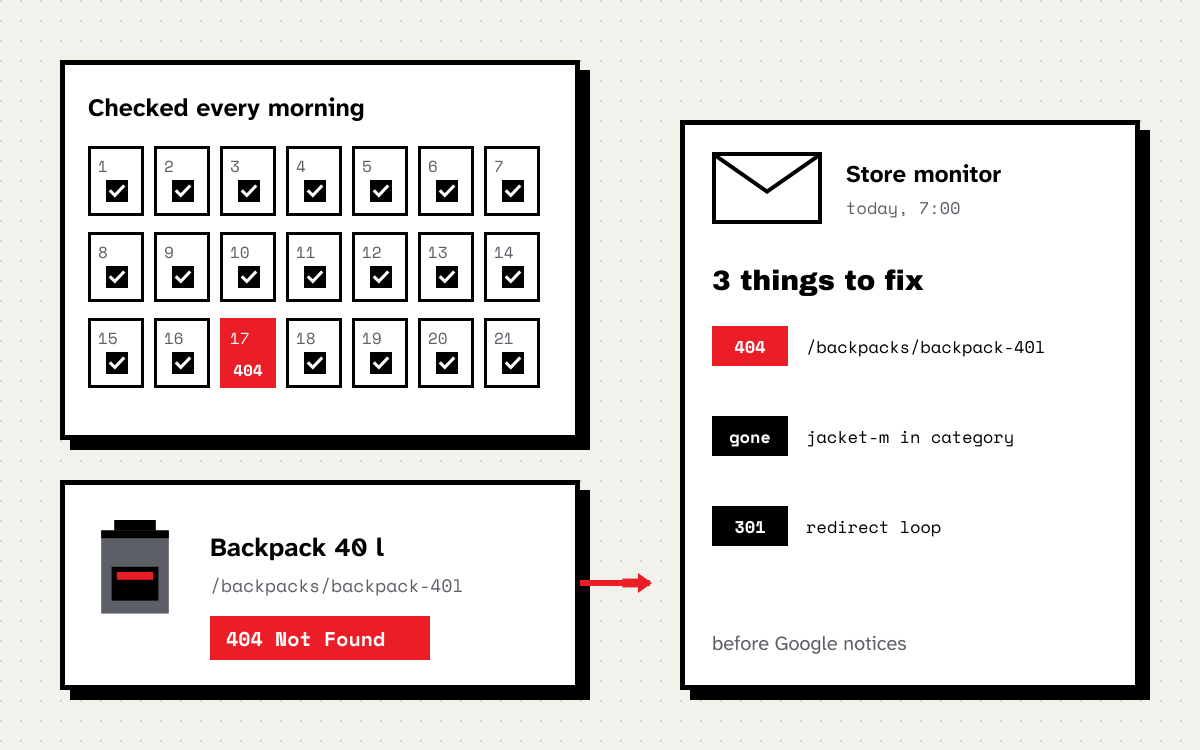
Every old URL that ends in a 404 in the logs gets a redirect. To keep track of this in stores with thousands of products I use my own monitor, which checks every day what disappears and what returns an error.
The most common mistakes
- A
noindexor robots.txt block carried over from staging. - All old URLs redirected to the home page.
- Redirect chains after several migrations in a row, because nobody updated the old map.
- Internal links still pointing to old URLs.
- Forgotten image and file URLs.
Where to start
- Collect the list of old URLs from at least three sources.
- Build the redirect map in a spreadsheet and decide what gets a 301 and what a 410.
- Test the map on staging before anyone sets a launch date.
- Plan the first month after the migration: who checks Search Console and the logs, and how often.
If you are planning a migration and want someone to go through this process with your team, get in touch. I would rather see the redirect map before launch than look for the cause of a drop after it.