Article
An SEO audit of a store should answer three questions: why the store is not getting as much traffic from Google as it could, what needs to change, and in what order. If a report does not answer the third question, it is just a list of errors.
The most common problem with SEO reports is not what is in them but what is missing. Forty pages of tool screenshots, hundreds of warnings, and at the end nobody knows where to start. Below I describe what a good store audit should include, what it costs and what you can check yourself before you pay anyone.
What a store SEO audit is
A store SEO audit is a review of the store’s technology, structure and content from the point of view of how Google sees it. It ends with a list of tasks ranked by what they will bring and what they will cost. In a store the biggest problems usually sit in the technology: indexing, filters, duplicates and templates, not individual texts. That is why a store audit differs from an audit of a company website with 20 pages.
What a good store audit includes
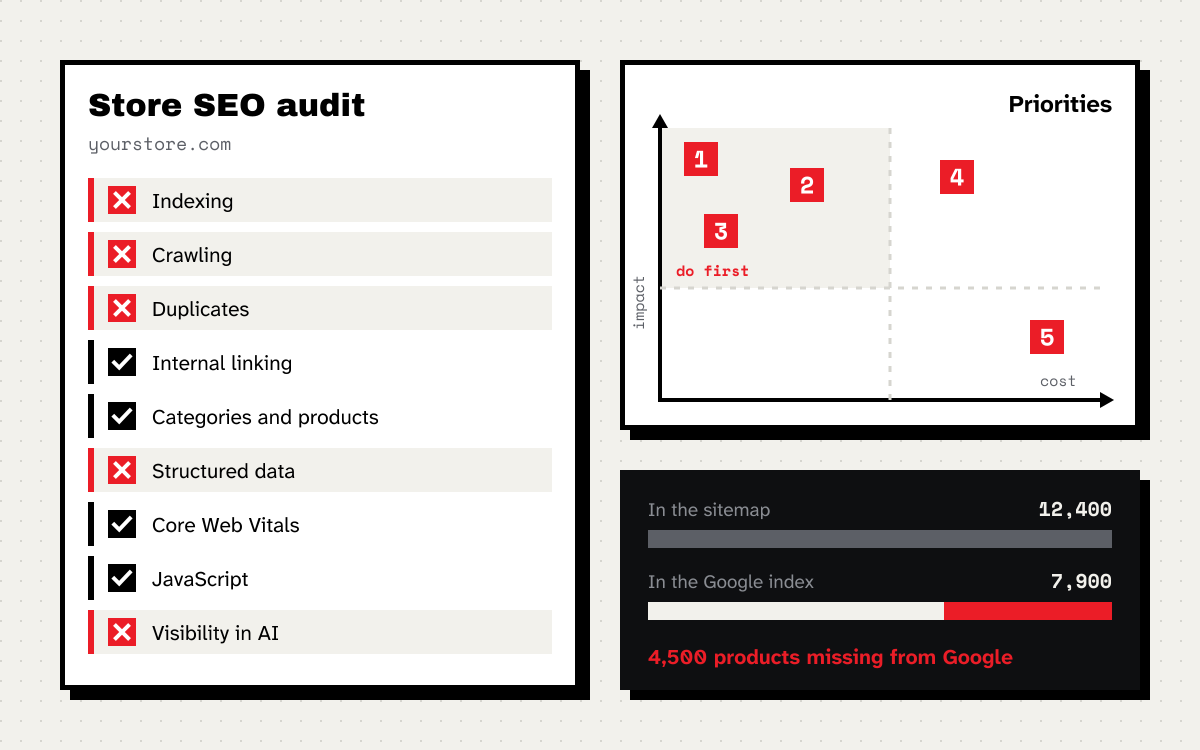
Below are the nine areas I review in every store. The order is deliberate: I start with whether Google sees the products at all and finish with the details.
1. Indexing, or how much of the store is in Google
The first comparison: how many products and categories the store has, how many are in the sitemap and how many are in the Google index. I take the data from the page indexing report in Search Console. If a store has 12,000 products and 8,000 are indexed, you need to know which ones are missing and why. The most common reasons are pages Google crawled and decided not to index, duplicates with no canonical version chosen, and URLs blocked by mistake.
2. Crawling: where the crawler wastes its time
In stores Googlebot often spends most of its time on URLs that should not exist: filter combinations, sort orders, pagination with parameters, internal search results. Google writes in its crawl budget guide that the topic mainly concerns sites with over a million pages, or with over 10,000 pages that change daily. In practice a store with filters easily exceeds those numbers, even with a few thousand products. I described how to count and control this in the post about faceted navigation.
Server logs are the best source. They show what the crawler actually fetches, not what it could fetch. If the store does not keep them, I use the crawl stats report in Search Console.
3. Duplicates and canonical URLs
The same product in three categories under three URLs. Color variants as separate pages with an identical description. A version with a trailing slash and one without. Each of these splits signals across several URLs. I check whether the canonical tag points to the right version and whether Google agrees with it, because according to the documentation it is a hint for Google, not a directive.
4. Structure and internal linking
How many clicks separate the home page from a product. Whether there are products that no link points to apart from the sitemap. Whether the categories with the most search demand sit high in the menu and get links from content. In large stores this is a common problem: products you can only reach through internal search.
5. Category and product pages
I check titles, headings and descriptions at the template level, not page by page. If the category template puts only the category name and the store name in the title, the problem affects every category at once and one change fixes it. Separately, I check what the store does with unavailable and discontinued products, because that is a frequent source of 404 errors and lost links.
6. Product structured data
Whether products have Product data with price, availability and currency matching what the customer sees. Google describes the required fields in its product structured data documentation. The most common mistake in stores is a price in the data that does not update after a sale, and “in stock” on a product that is not.
7. Speed and Core Web Vitals
Google gives three targets in its Core Web Vitals overview: LCP within 2.5 seconds, INP below 200 milliseconds and CLS below 0.1. In an audit I look mainly at data from real users, not at the result of a single test. I check the category and product templates separately, because that is usually where the problems are: heavy images, marketing scripts and elements that shift while the page loads.
8. JavaScript and rendering
If the store builds the page in the browser, I check whether content and links are visible to Google without clicking and scrolling. JavaScript SEO basics explains how Google processes it. The most common problem is links to categories or further list pages that exist only as buttons without a URL.
9. Visibility in AI answers
I also add a short review of what ChatGPT, Gemini and Perplexity say about the store and its products, and whether AI bots can access the site. It does not replace SEO, but more and more customers start shopping by asking an assistant. I go deeper on this as part of the GEO service.
What the report should look like
A good report is not a set of screenshots but a list of tasks. Each task has four things:
- What is wrong, in one sentence and with example URLs.
- What impact it has, meaning how many pages, products or how much traffic it affects.
- What to do, described so a developer can implement it without guessing.
- Priority, based on the impact and the cost of implementation.
High impact, low cost tasks go first, even if they are less impressive. Changing one category title template can bring more than a month of writing copy.
This is what part of such a list looks like:
| Task | Impact | Cost | Priority |
|---|---|---|---|
| Block sorting and low demand filters in robots.txt | high, about 60% of crawler requests | low | 1 |
| Point the canonical of color variants to the main product | high, 2,300 products | medium | 2 |
| Rebuild the category title template | medium, 180 categories | low | 3 |
| Fix the price in structured data after a sale | medium | low | 4 |
| Rewrite descriptions of the 40 key categories | high, but slow | high | 5 |
The numbers in the table are examples. In a real report each one comes from the store’s data.
Free SEO audit: what you can check yourself
Tools that promise a free online SEO audit produce a list of warnings and a score from 0 to 100. They will catch missing meta descriptions or oversized images. They will not tell you which problems cost you sales, they will not look at Search Console or logs, and they do not know which categories matter to you.
You can still check a lot yourself, for free, in two or three hours. Here are 12 things I start with:
- Search Console, page indexing report. How many pages are indexed, how many are excluded and why.
- The sitemap in Search Console. Whether it is submitted, whether it has errors and whether the number of URLs matches the number of products and categories.
- Sitemap versus index. If the sitemap has twice as many URLs as the index, you have your first thing to look into.
- A
site:yourstore.comquery with a filter parameter, for examplesite:yourstore.com inurl:color=. If there are results, filters are getting into Google. - robots.txt. Whether it blocks categories, images, CSS or JavaScript files.
- Redirects from http to https and from www to non www, or the other way round. Every variant of the home page URL should lead to one version with a single redirect.
- A crawl of up to 500 URLs with the free version of Screaming Frog. Look for 404 errors, redirect chains, duplicate titles and pages without an H1.
- The category template. Open three different categories and compare the titles in the browser tab. If they look the same apart from the name, the template needs work.
- An unavailable product. What the customer sees and which status code the page returns.
- Product structured data in the Rich Results Test. Whether price and availability match the page.
- PageSpeed Insights for a category and a product page on mobile. Look at the section with real user data, if there is one.
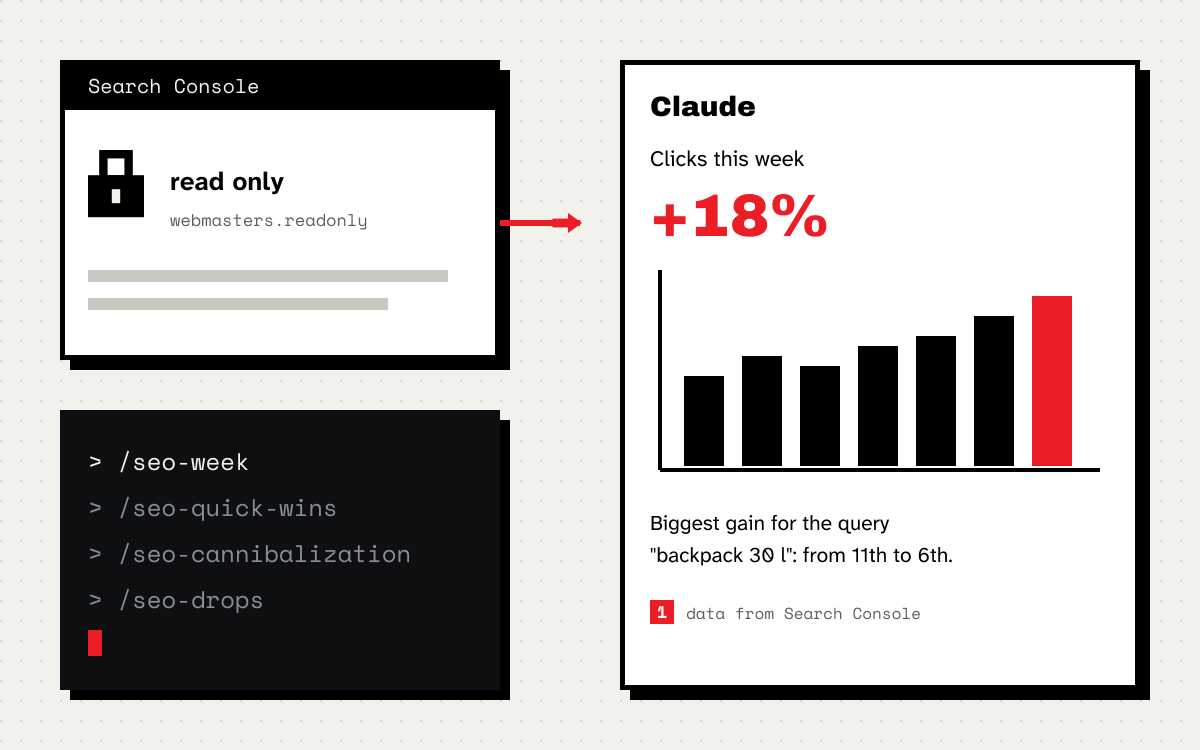
- Clicks from Google year over year in Search Console, split by categories and products. Always compare the same weeks. I explained why average position alone is misleading in a separate post.
If everything looks fine after this list and traffic still falls, the problem is deeper, and that is when an audit makes sense. If you found three big problems, start with them. The audit can wait.
What a store SEO audit costs
The price depends on five things:
- the catalogue size, because a store with 500 products is different work from one with 50,000,
- the number of language versions and domains,
- the platform, especially when the store is heavily customised or built in JavaScript,
- access to data, because with server logs and Search Console the audit is more precise but also longer,
- the scope after the audit, meaning whether it ends with a report or also covers talks with developers and checking the implementation.
With me a technical store audit starts at PLN 1,890 net, and for stores with tens of thousands of products at PLN 3,790 net. If you want to talk about a specific problem first, a one hour consultation costs PLN 189 net, and the first 30 minute call is free. The full price list is on the services page.
Before you pay anyone for an audit, ask the questions Google suggests in its guide Do you need an SEO? The most important ones: can you see examples of previous work, what results the contractor expects and in what timeframe, how they will measure them and whether they will share every change they make to the store. I add one of my own: ask for an excerpt of a sample report. You will see straight away whether it is a task list or a tool export.
How long an audit takes and when you see results
An audit of a mid-sized store usually takes one to three weeks, depending on the catalogue size and how quickly access is granted. I give the exact date after the first call. Results depend on implementation, not on the report. Changes in indexing show up in Search Console after a few weeks at the earliest, because Google has to crawl the pages again. Traffic and sales usually take longer. Anyone who promises a specific position by a specific date is promising something they cannot control.
When an audit makes the most sense
- Before a migration or a platform change. An audit of the old store is the basis for the redirect map. More in the guide to migrating a store without losing traffic.
- After a traffic drop that the season or a change in campaigns does not explain.
- When the store has grown a lot, but its structure and templates date from when it had a few hundred products.
- Once every year or two for a large store, because every new feature, plugin and campaign leaves traces.
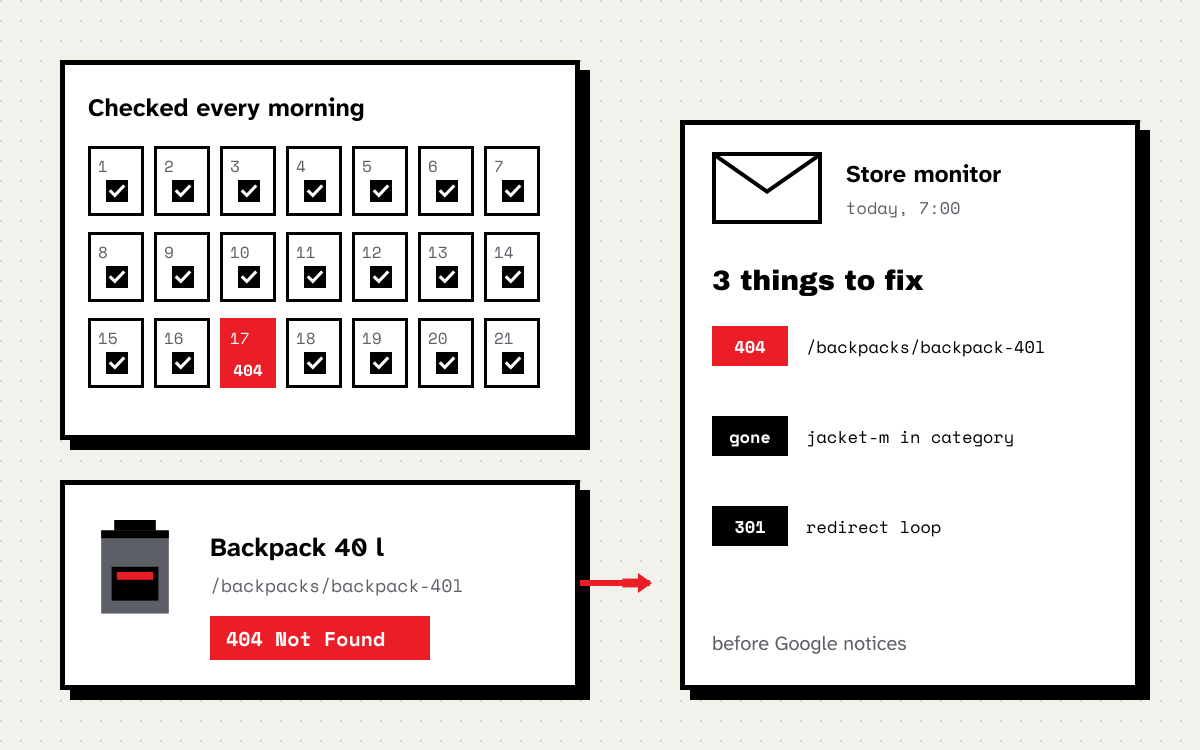
Between audits it is worth having monitoring that catches problems as they happen. I use my own store monitor, which checks every day what disappears from the sitemap and what starts returning errors.
Frequently asked questions
Is a free SEO audit enough?
For finding obvious errors, yes. For deciding what to do first and what it will bring, no. Free tools do not know your Search Console data, your logs or your sales priorities.
Is an SEO audit the same as SEO services?
No. An audit is a diagnosis and a plan. Ongoing SEO is the work of implementing that plan and developing the store further, usually month by month.
Do I need to give access to the store?
Not to the store admin. Access to Search Console and analytics is enough. Access to server logs helps a lot in large stores, but it is not required.
Do you audit stores outside Poland?
Yes. I work from Wrocław, Poland, and do audits remotely for stores across Poland and abroad, in Polish and English.
If you want to check whether an audit makes sense for you, book a free call or write to me about what is happening with your store. I will tell you where I would start.